hello, I work in cs (pentester) and I'm looking for hacking based imageboards !!!!
6c9a70a93fe4a875c95785008c8f432fc3e60fdb.jpg
- 282.73 KB
(1330x2048)
I'm fairly new to messing with my NAS and using Docker to install a program. Does anyone know how to set up Gluetun with Mullvad. Mullvad dropped support for Openvpn and I dont want to run qbittorrent on my NAS without some sort of VPN in the same container. I just cant get the projects to work on my Synology no matter what I configure 
1497735478567.png
- 968.92 KB
(1920x1200)
Any Gentoo Friends on this board? If so tell me what you love or hate about it. What USE flags do you use? In the meanwhile I will post some of my favorite Gentoo Desktops!!
39344a0aba905a9e043376587084fd3b.jpg
- 568.28 KB
1767440827681514.png
- 9.04 KB
(304x288)
JPEG_example_JPG_RIP_001.jpg
- 1.49 KB
(313x234)
https://github.com/victorvde/jpeg2png There's this rather obscure tool on github from a decade ago called "jpeg2png" that's designed to remove jpeg artifacts. I've been using it for a decade now and nothing else even comes close to it in terms of quality. Even those expensive neural network based ones are considerably less effective than this tool. The only real flaw of it is that some images that actually do contain significant noise and are saved at low quality get smoothed out slightly. Understand though that importantly, that this is not smoothing in the sense of blurring, but reduction of the JPEG coefficients. In general, this tool does not result in any blurring. I believe the tool works by tweaking the DCT coefficients to result in the minimum noise and maximum coherence, which usually results in a result very close to the original. The reason the smoothing happens for high noise images is presumably because it is because the solution it finds is just to tweak every DCT coefficient so it is slightly smaller to minimize the cost. I wonder if this issue could be simply fixed by detecting when most DCT coefficients decrease, and not changing them in that case. In cases where they are legitimately being decreased, the reduction in cost would be significantly higher and the changes in DCT coefficient should be pretty much evenly spread, as the errors were introduced by quantization/rounding, which is not biased.
image.png
- 379.02 KB
(860x860)
Hey Hikarins! I've been saving money from my new job recently and I've been looking at upgrading my monitor! I currently have a generic HP 1920x1080 at 100hz and I want y'all's advice! I'd kind of like to keep the resolution because I like the wide, single monitor setup but if there's something really exceptional out there, let me and the other people in the thread know! 
aw1osp-Howdy-5j7svbgfdgj21.jpg
- 16.53 KB
(373x354)
Are you using an HDD or an SSD currently? I haven't upgraded to an SSD yet and I was wondering how common of an upgrade this was, because everyone I know has an SSD in their desktop except me 
1000021950.jpg
- 6398.48 KB
(2268x4032)
Hello hi/t/arins. I have an underpowered android tablet, a Samsung something-or-other. I am trying to decide what use I should make of it. Have any thoughts? I will flash a custom ROM and root it, so basically anything is on the table.
image.png
- 1443.62 KB
(850x937)
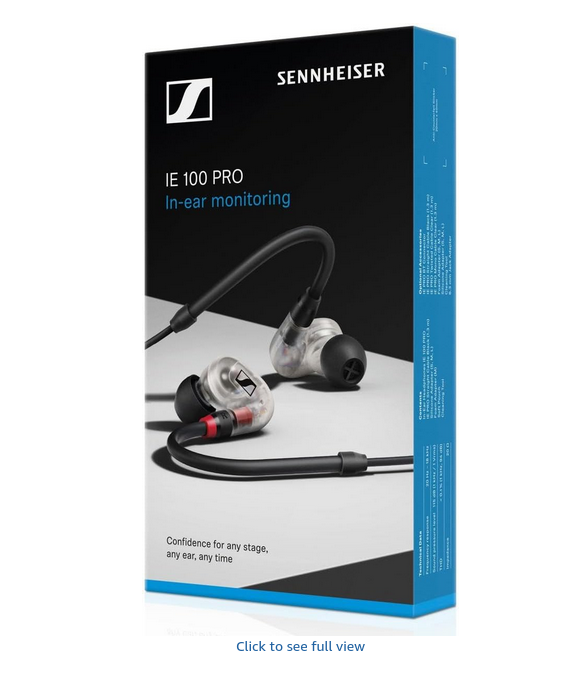
Hikarin! It's time to discuss audio peripherals. This includes but is not limited to: >Wired/wireless over-ear headphones >Wired/wireless earbuds (including in-ear monitors) >Speakers >Mixers >Portable music players and more. Discuss and compare hardware, request recommendations, ask questions, and most of all have fun!
lain.jpg
- 113.76 KB
(1008x720)
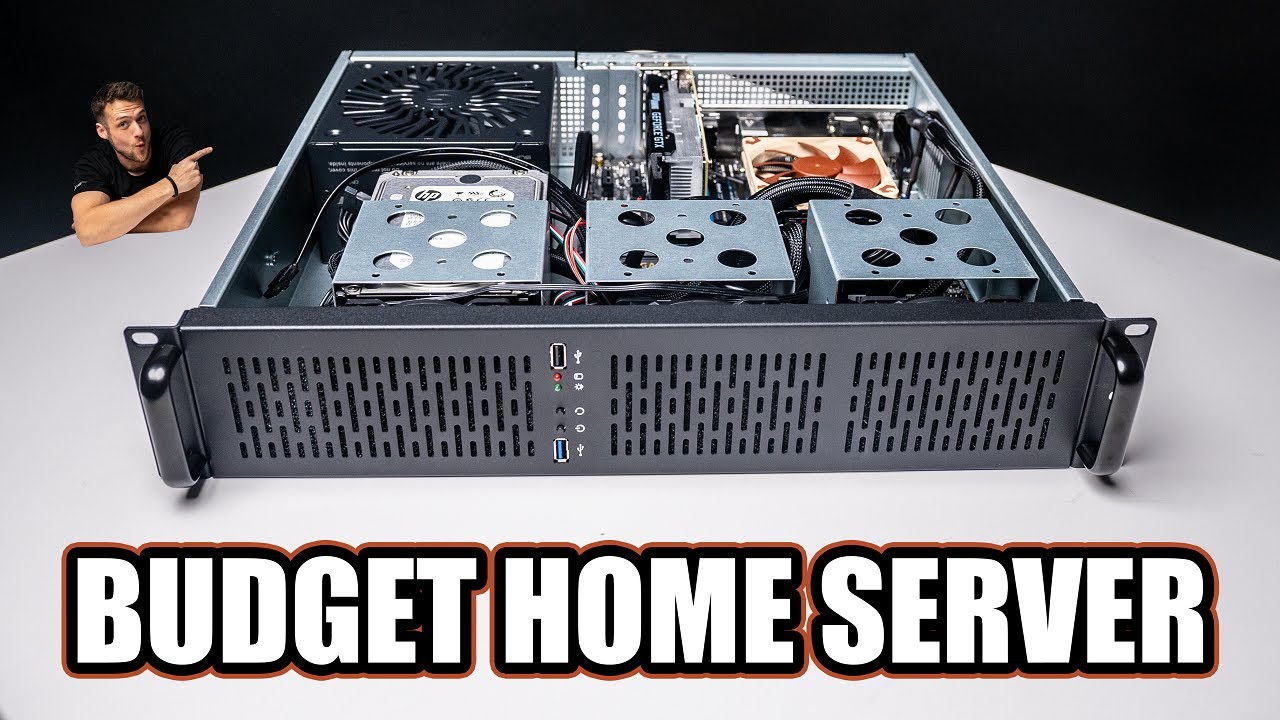
Hey Hikarichanners! This thread is for people to discuss rigs and help with building rigs, and I need help pls.
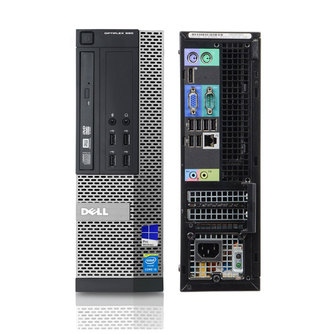
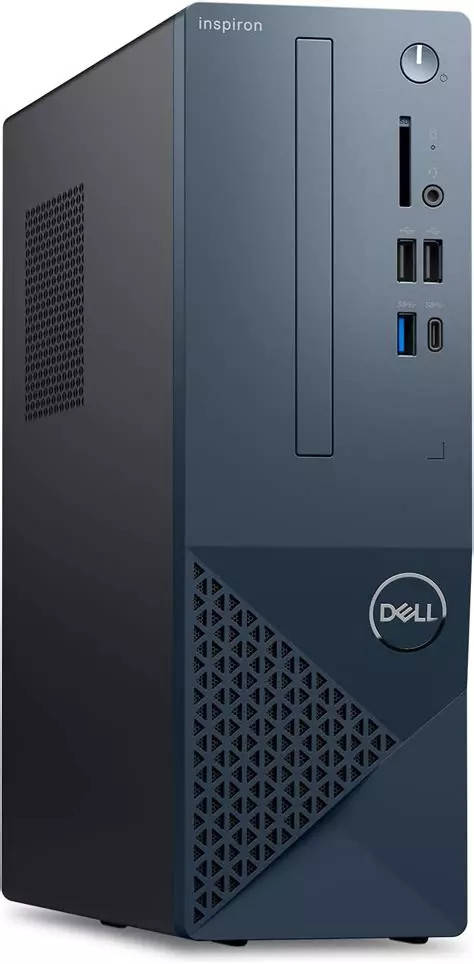
The only experience I had with building a compooter was watching a friend of mine build my last one, which didn't go so smoothly, so I want to just do it myself. I'll take any advice given to me, especially since I will want to use Linux (It's mainly for privacy concerns, and my building hatred for Microsoft, but I would also like to use it for gaming and probably video editing in the future). These are the components I found through PC part picker that were recommended to me from the monitor I chose. I mainly picked AMD components as people say that AMD is more compatible with Linux, also AMD parts are cheaper, and it helps fit my budget of around £1500 - £2000...
https://uk.pcpartpicker.com/list/Gnwmt3
COMPONENTS
CPU - AMD Ryzen 5 7600 3.8 GHz 6-Core Processor
CPU Cooler - Noctua NH-D15 82.5 CFM Cooler
Motherboard - MSI B650 GAMING PLUS WIFI ATX AM5 Motherboard
Memory - Corsair Vengeance RGB 32 GB (2 x 16 GB) DDR5-6000 CL36 Memory
Storage - Kingston KC600 1.024 TB 2.5" Solid State Drive
Storage 2 - Seagate ST4000DX001 4 TB 3.5" 5900 RPM Hybrid Internal Hard Drive
GPU – AMD Radeon RX 7800 XT 16 GB Video Card
Power supply - MSI MAG A750GL PCIE5 750 W 80+ Gold Certified Fully Modular ATX Power Supply
Optical Drive - Asus BW-16D1HT Blu-Ray/DVD/CD Writer
Case Fan - Noctua NF-A12x25 PWM chromax.black.swap 60.09 CFM 120 mm Fan x2
Monitor - Acer Acer Nitro XV272U W2bmiiprx 27.0" 2560 x 1440 240 Hz Monitor
PERIPHERALS/ACCESSORIES
Keyboard - Logitech G PRO RGB Wired Gaming Keyboard
Mouse – Logitech G403 HERO Wired Optical Mouse
Headphones - Logitech G PRO Headset
Main problem I have right now is picking out the case. I couldn't find one I liked from PC part picker, so I searched around for one and found this...
CiT Classic Micro ATX PC Case and 500w PSU, Budget Friendly Office PC case | Black
https://www.amazon.co.uk/gp/product/B07BFH98R2/ref=ox_sc_act_title_9?smid=A1ENGI3QDWM2UF&psc=1
It has USB and optical drive slots at the front which I wanted for my case, but unfortunately I don't think it will be able to fit all the components I found. I wouldn't mind downgrading so it can all fit in, as long it can run games at the monitors specs on medium settings, or just changing the PC case completely. But the maximum dimensions I can take for a PC case are 25cm w, 48cm l, 52cm h.
fire.jpg
- 260.38 KB
(1572x2048)
Anyone here know perl? I need a perl dev for mai site.